Industrial facilities
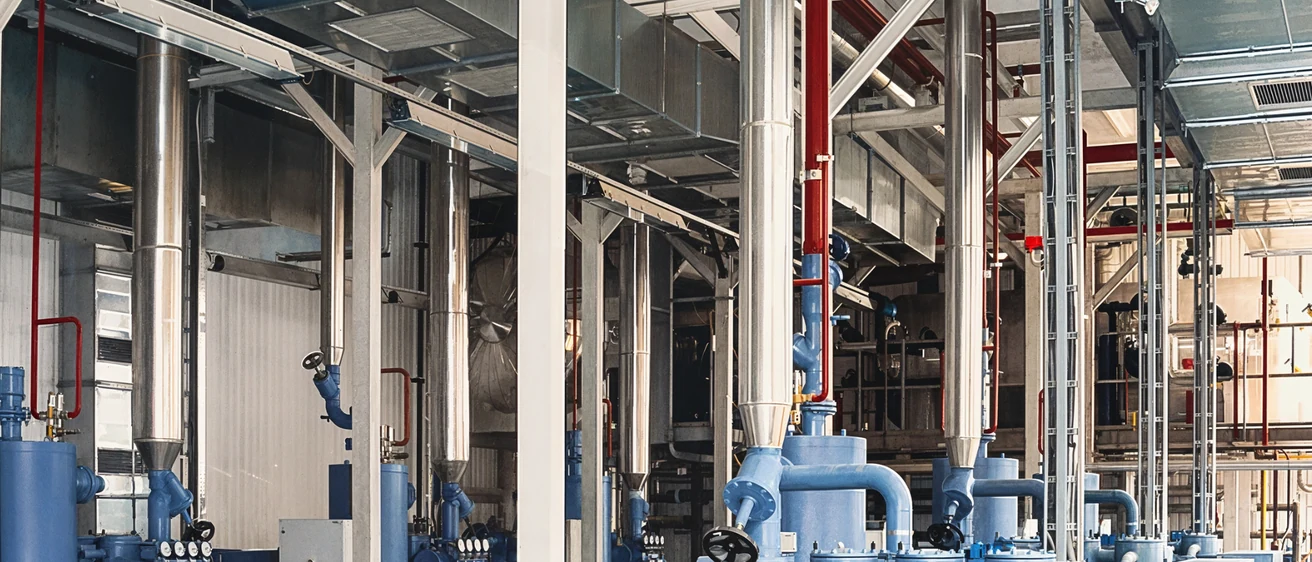
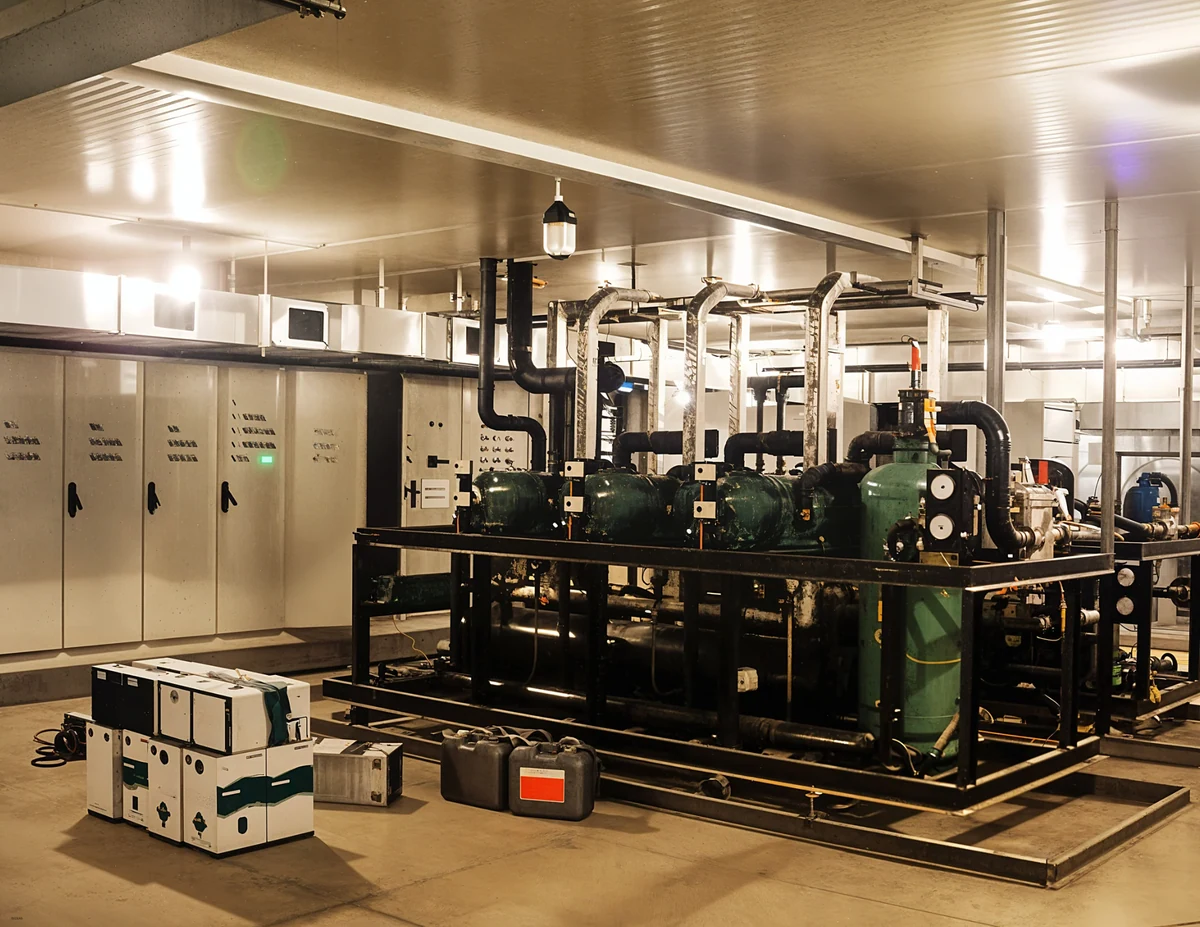
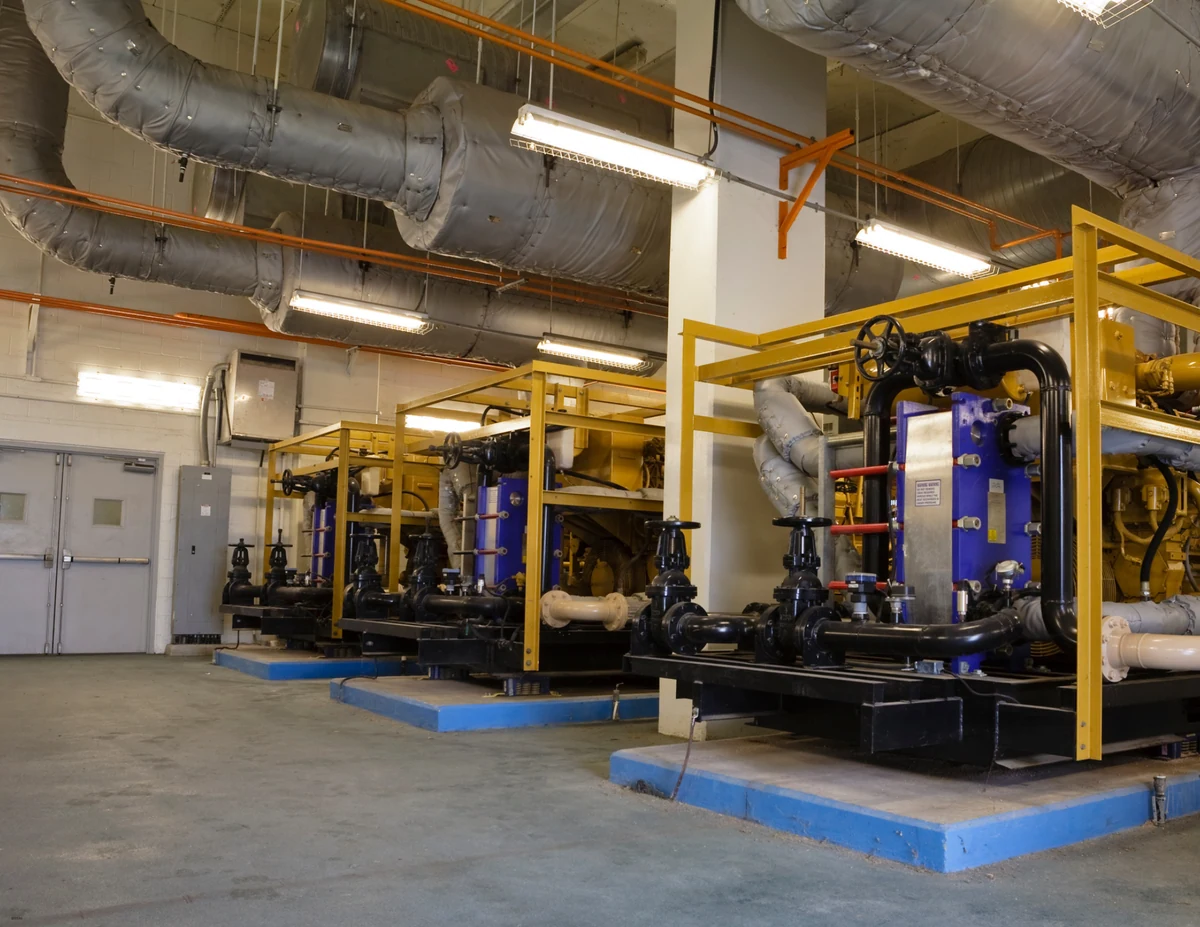
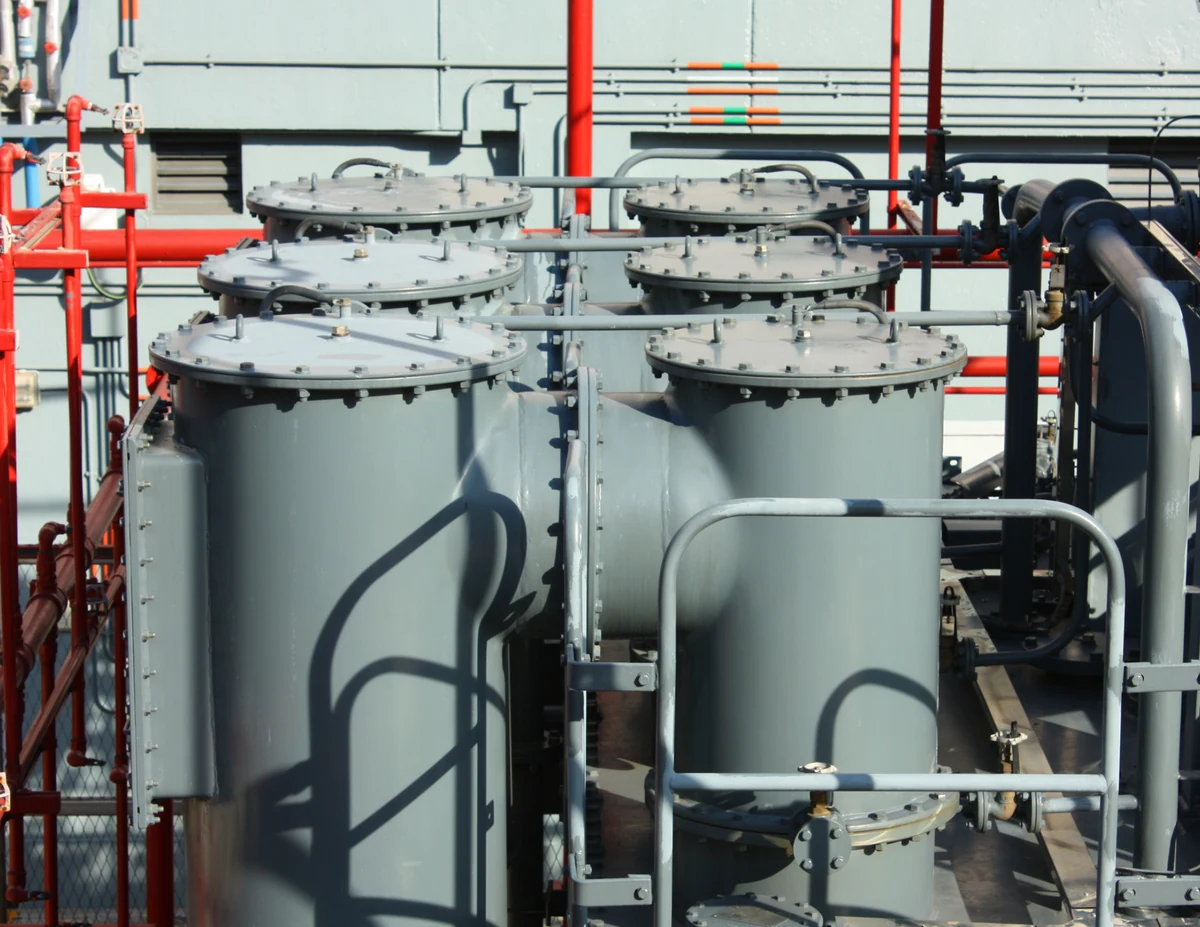
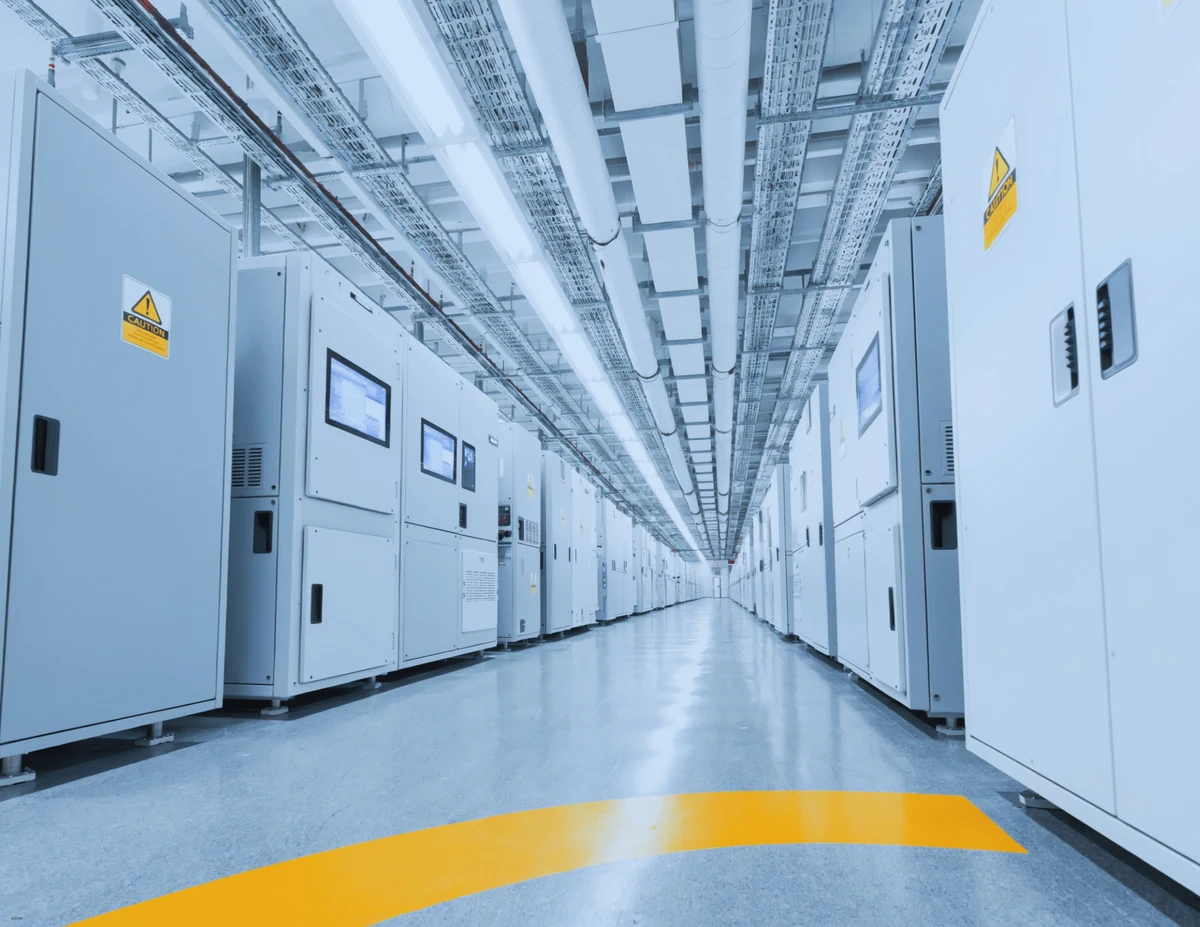
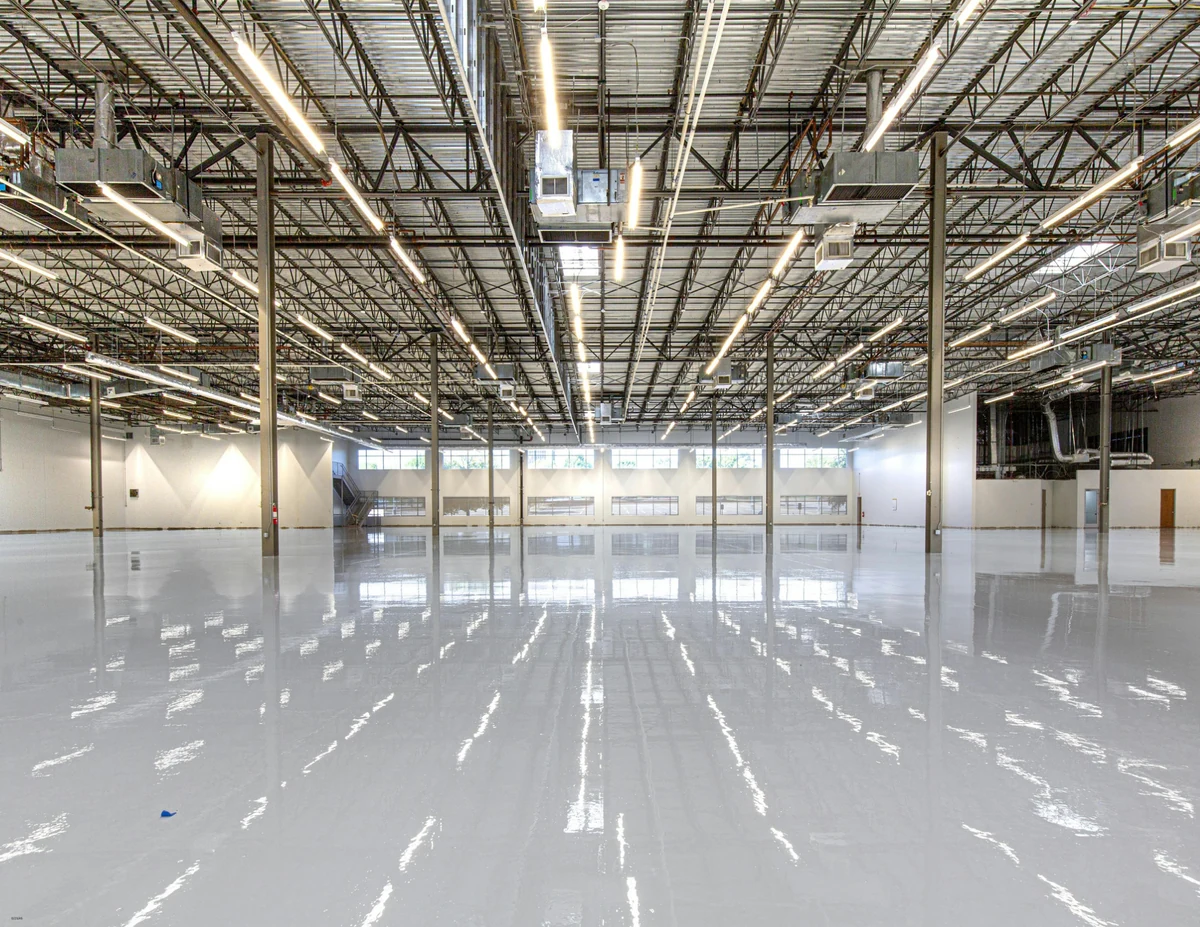
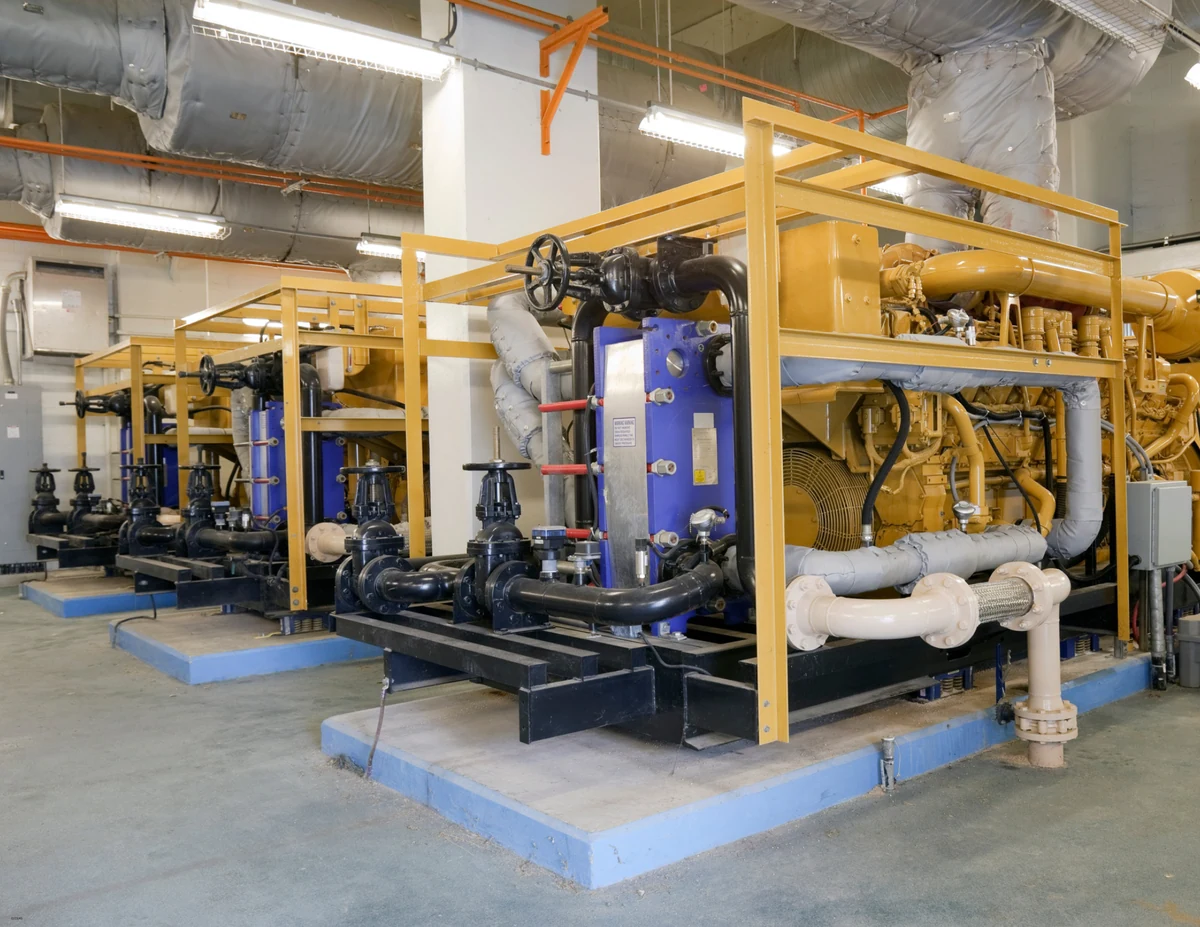
Plants, mechanical rooms, switchgear, pump houses and warehouses. The walkthrough is the record of what is installed, where it runs and how it is labeled, on the day you scanned it.
Why it matters here
Industrial spaces change constantly and are expensive to revisit. A contractor bidding on a retrofit, an engineer sizing a replacement skid, or an owner planning a shutdown all want to stand in the room without the badge, the escort and the travel. The walkthrough gives them the room, with the scan behind it so measurements are real.
What you upload
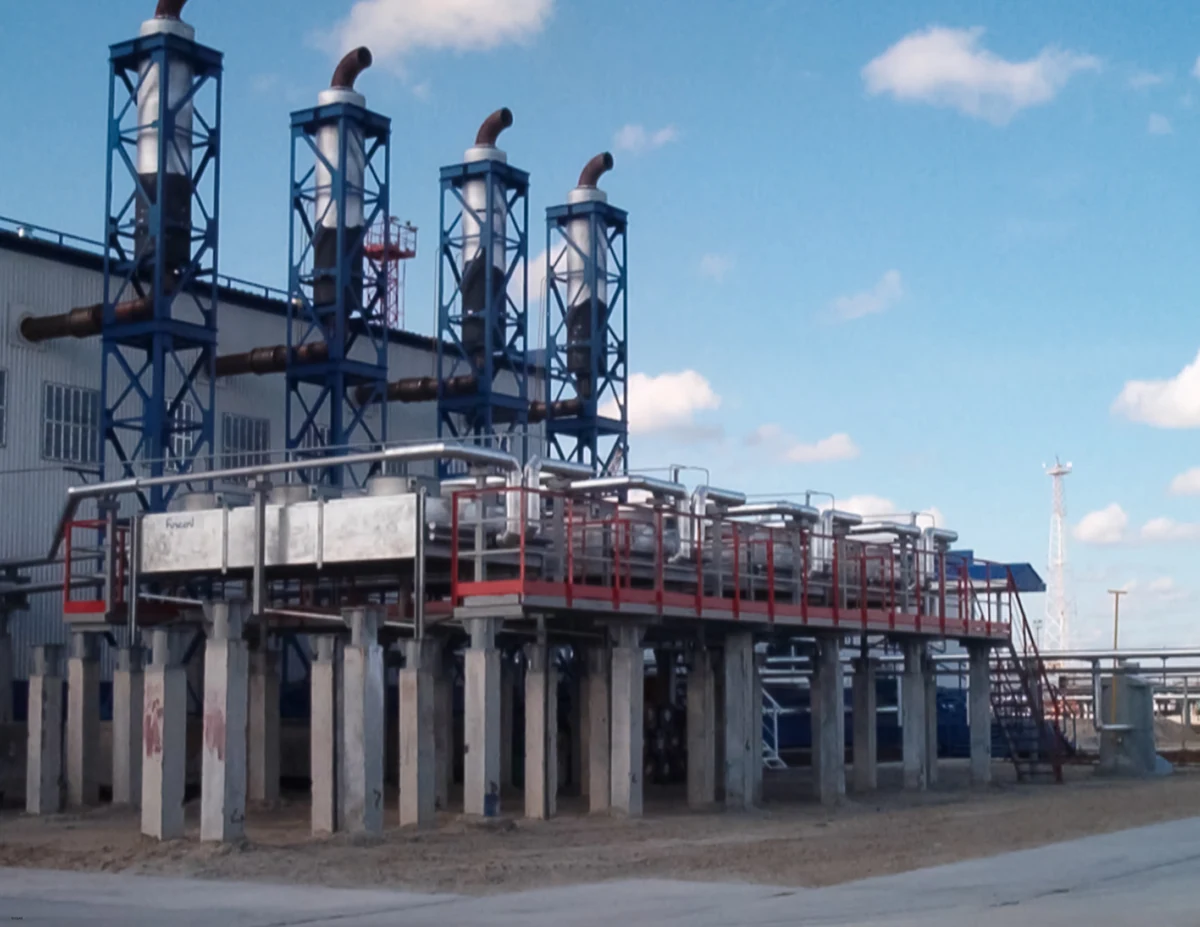
Most industrial scans come from a Leica RTC360 or Trimble X7 registered in Cyclone or RealWorks. Export the E57 with imagery, upload it, and the tour is built for every setup across every level, including the mezzanines and pipe bridges that make these sites awkward to document.
What they get
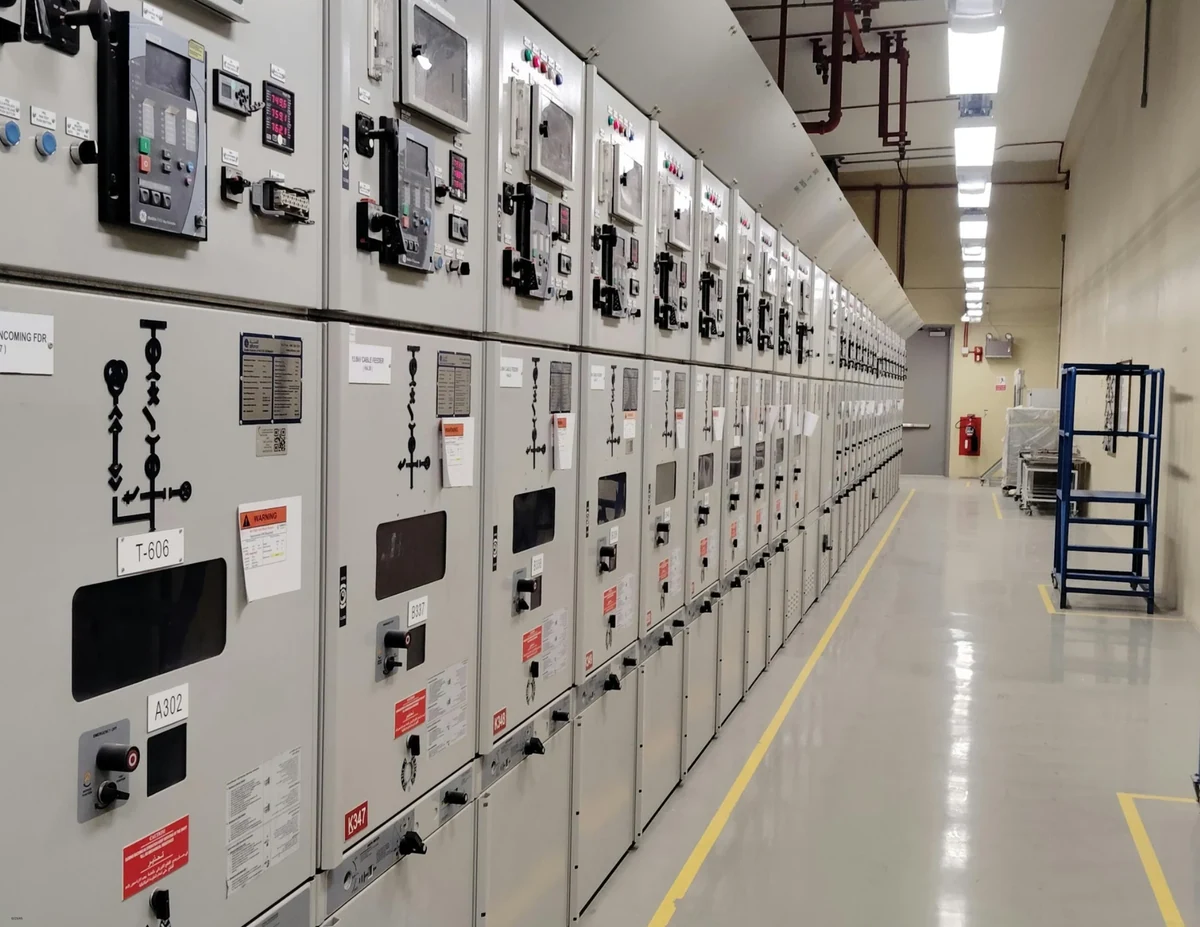
A hosted link for the team, which opens on any phone on site, plus the downloadable folder for the record set. The section box cuts through racks and ducts so a view that is impossible in person becomes a single tap. Intensity mode reads bare metal and labels even where lighting was poor.
Questions from this sector
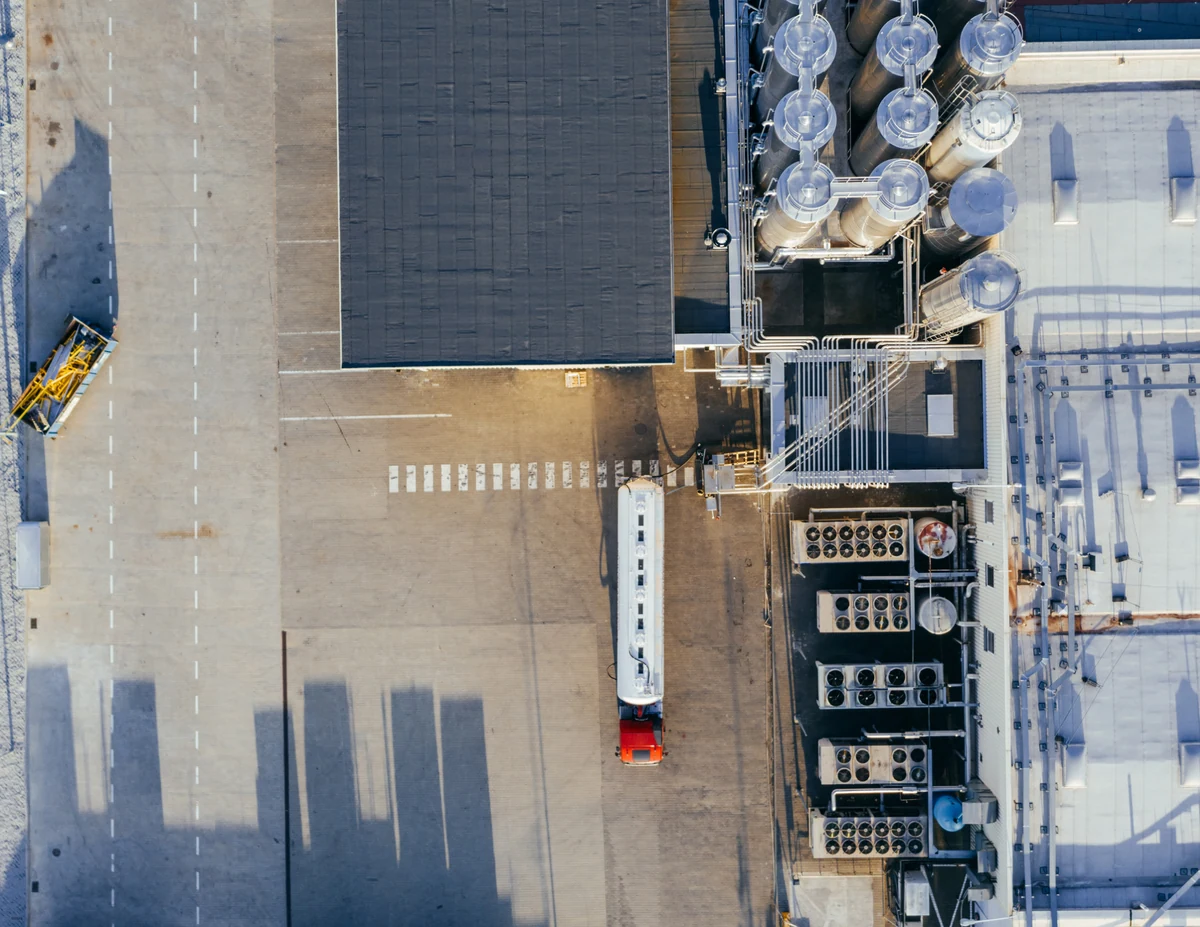
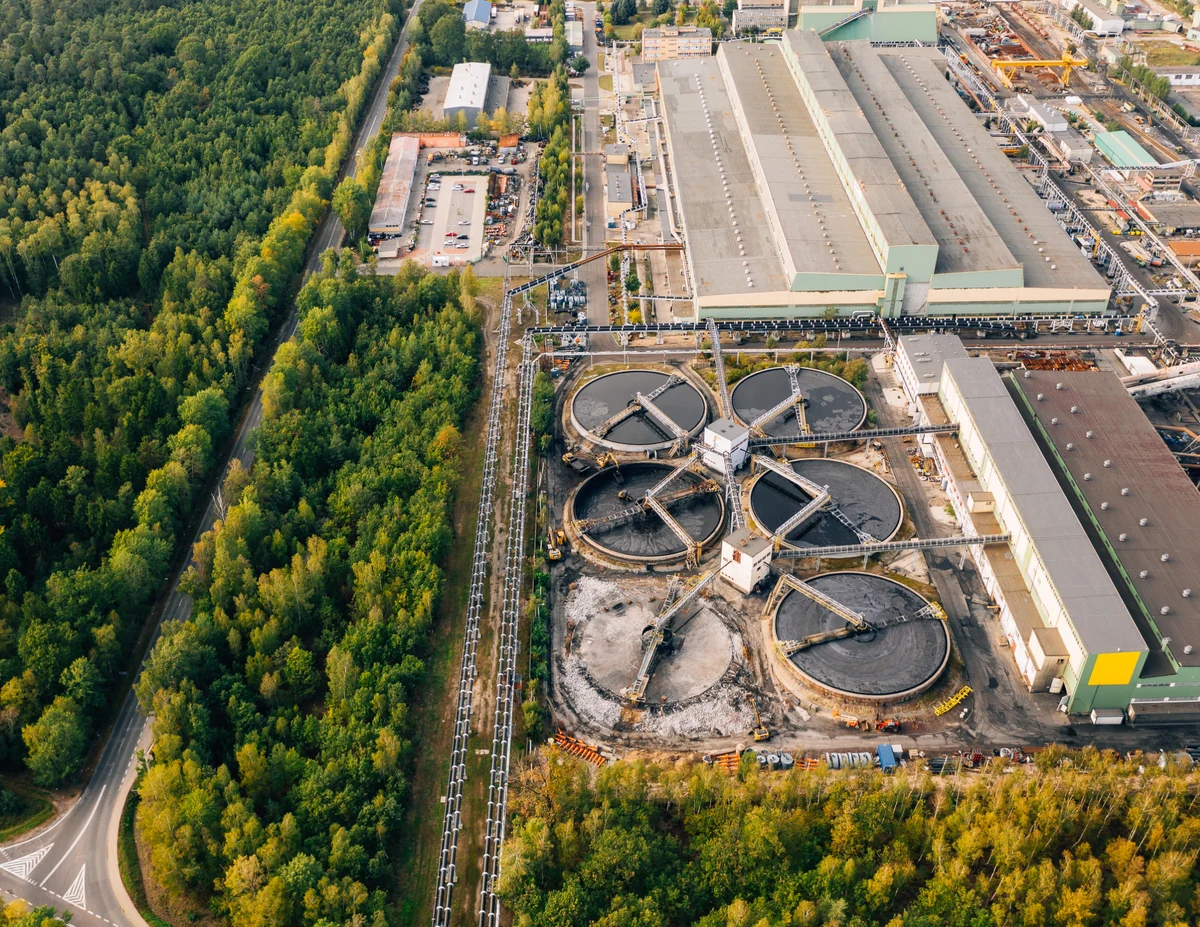
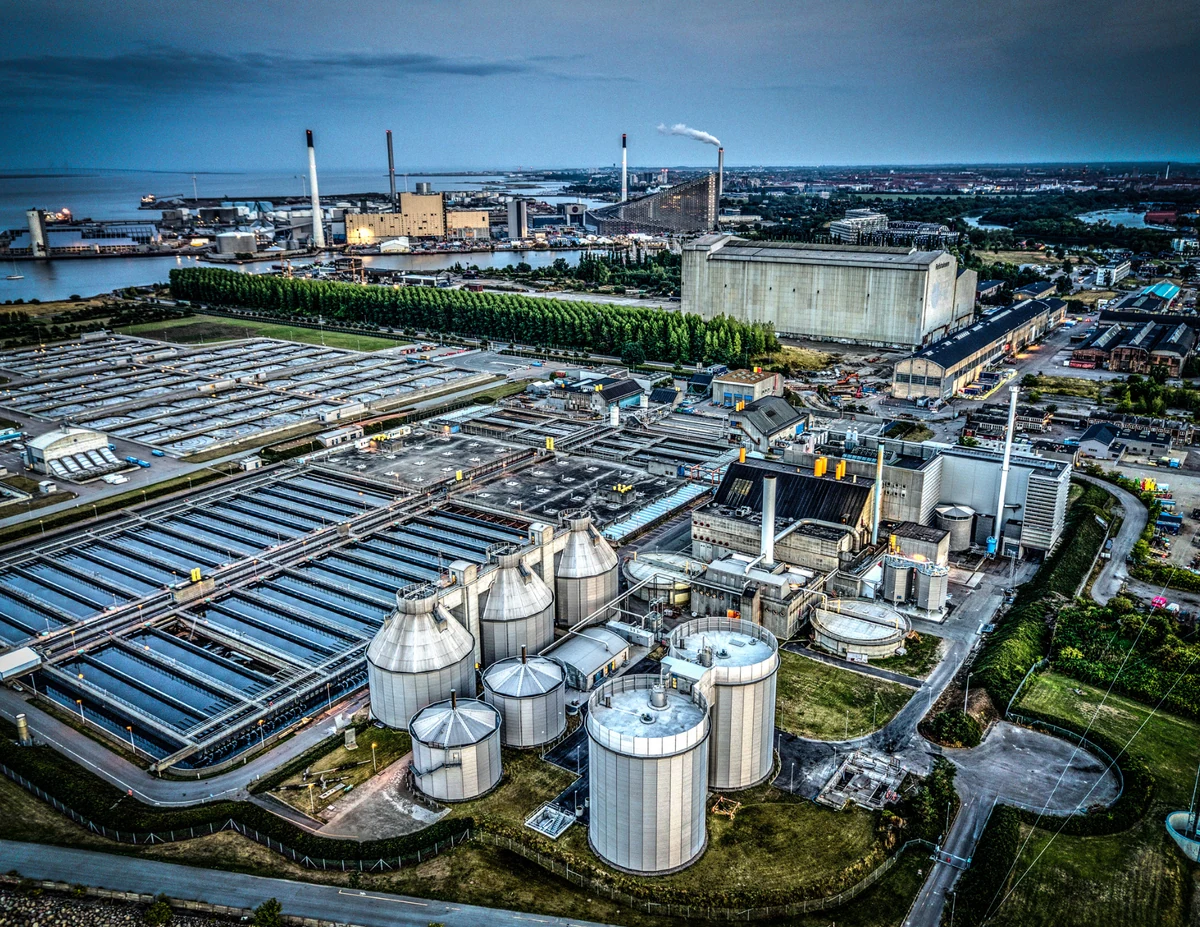
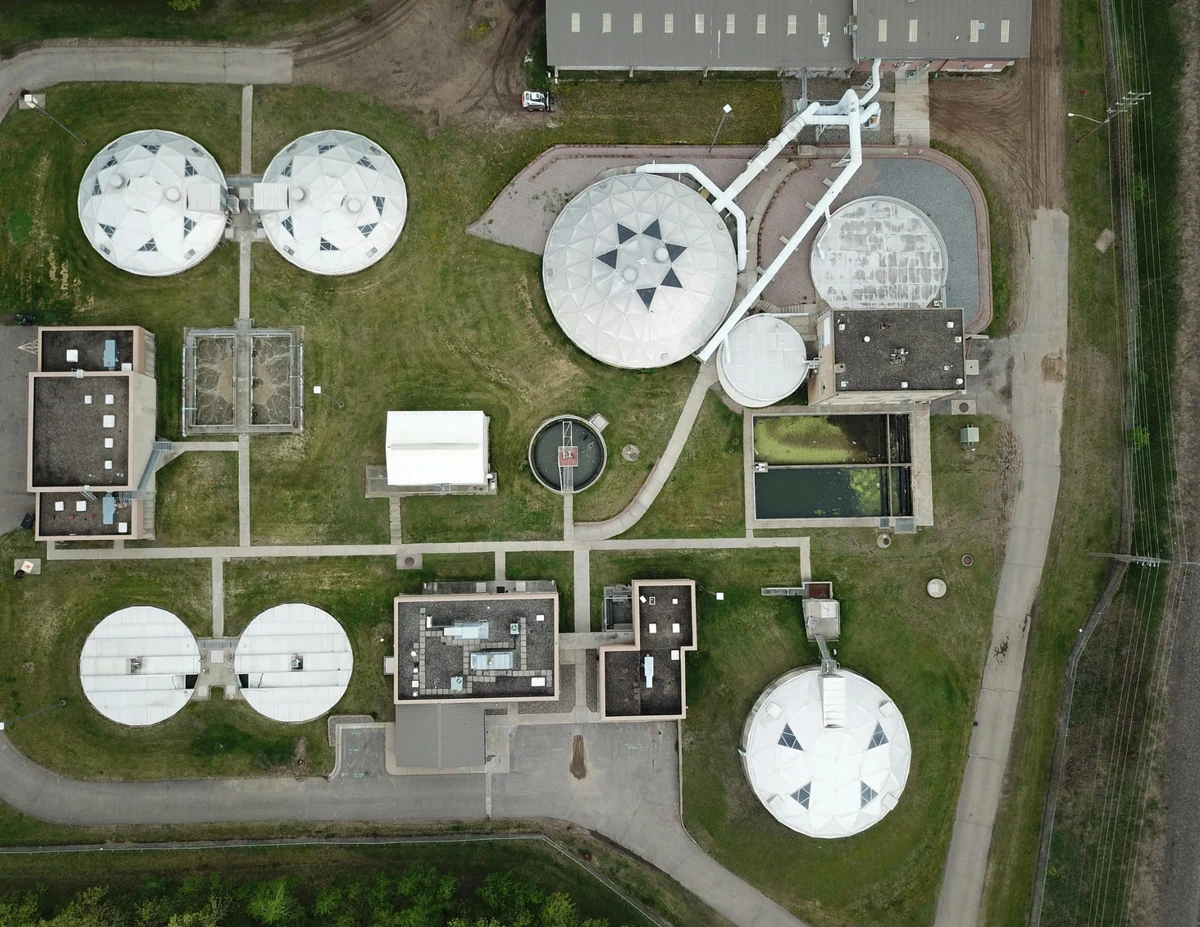
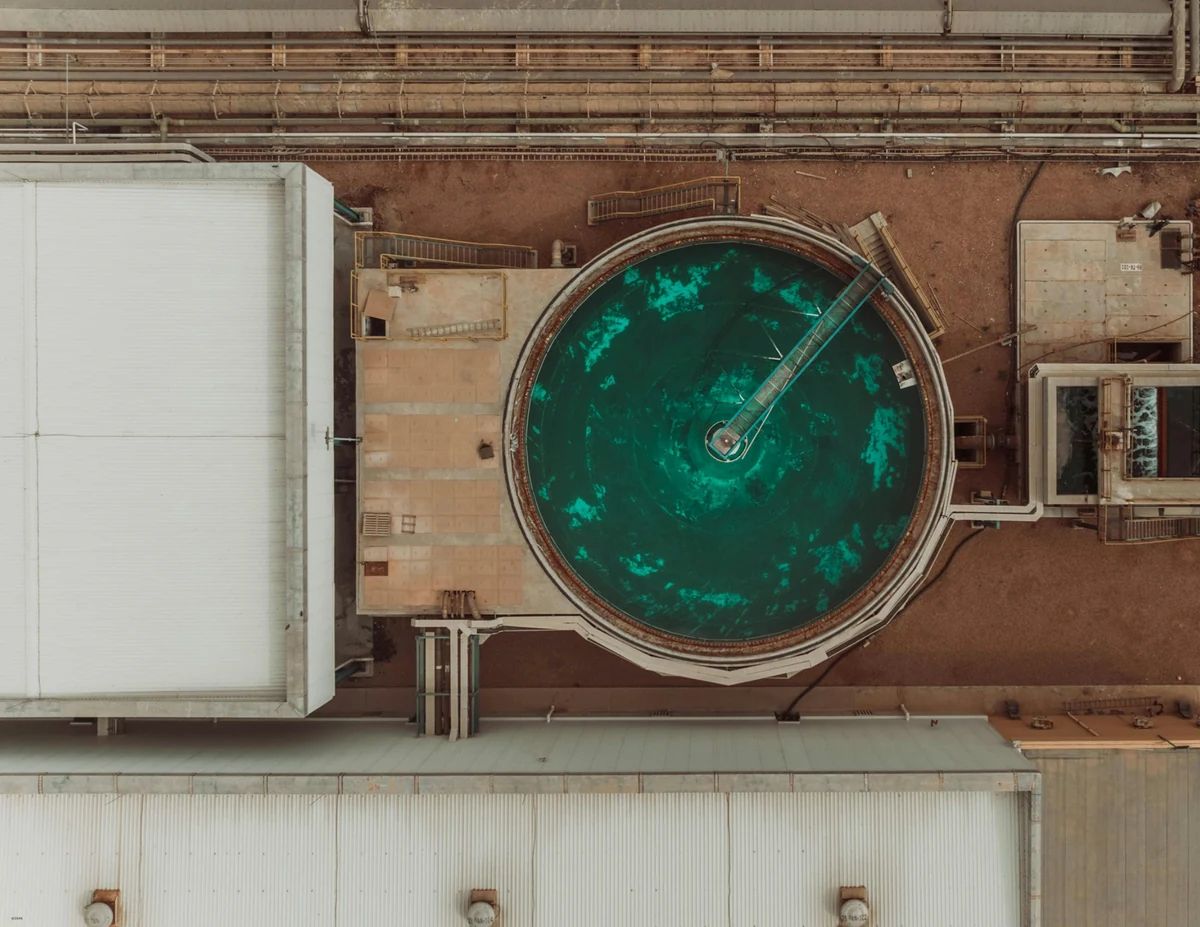
Can the tour show a plant with multiple buildings?
Yes. Each building is a project, and the hub lists them by address so a site with several structures stays organized.
How do you handle poor lighting in mechanical rooms?
The panoramas are exactly what the scanner captured with HDR. Where imagery is dark, switch the point cloud to intensity mode, which does not depend on light.
Is the scan data itself included in the download?
The download contains the viewer and the streamed point cloud and panoramas. Your original E57 stays yours and is not altered.